This article will show you how to Disable Outlook presence features
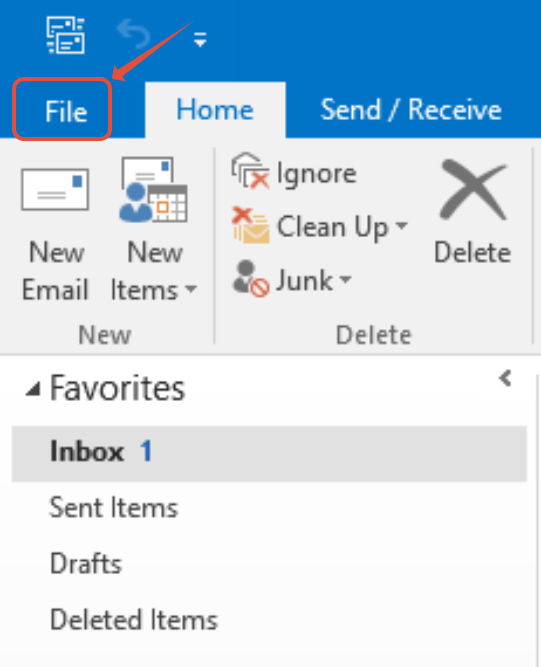
Step 1. In Outlook, Select Files
Step 2. Select Options

Step 3. Select People

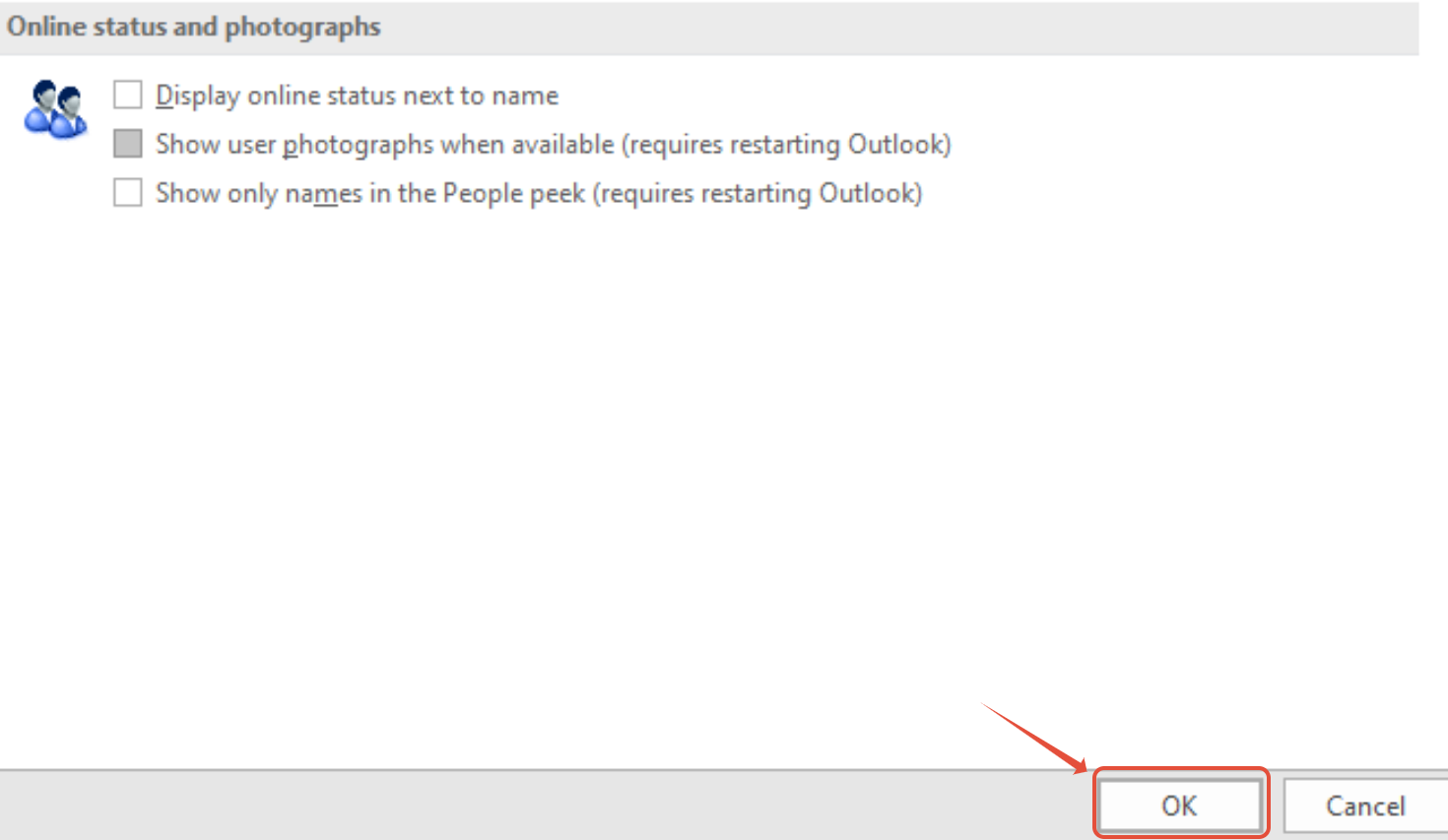
Step 4. Untick the boxes for the following options if they are enabled :
- Display online status next to name
- Show user photographs when available

Step 5. Select OK and then restart Outlook